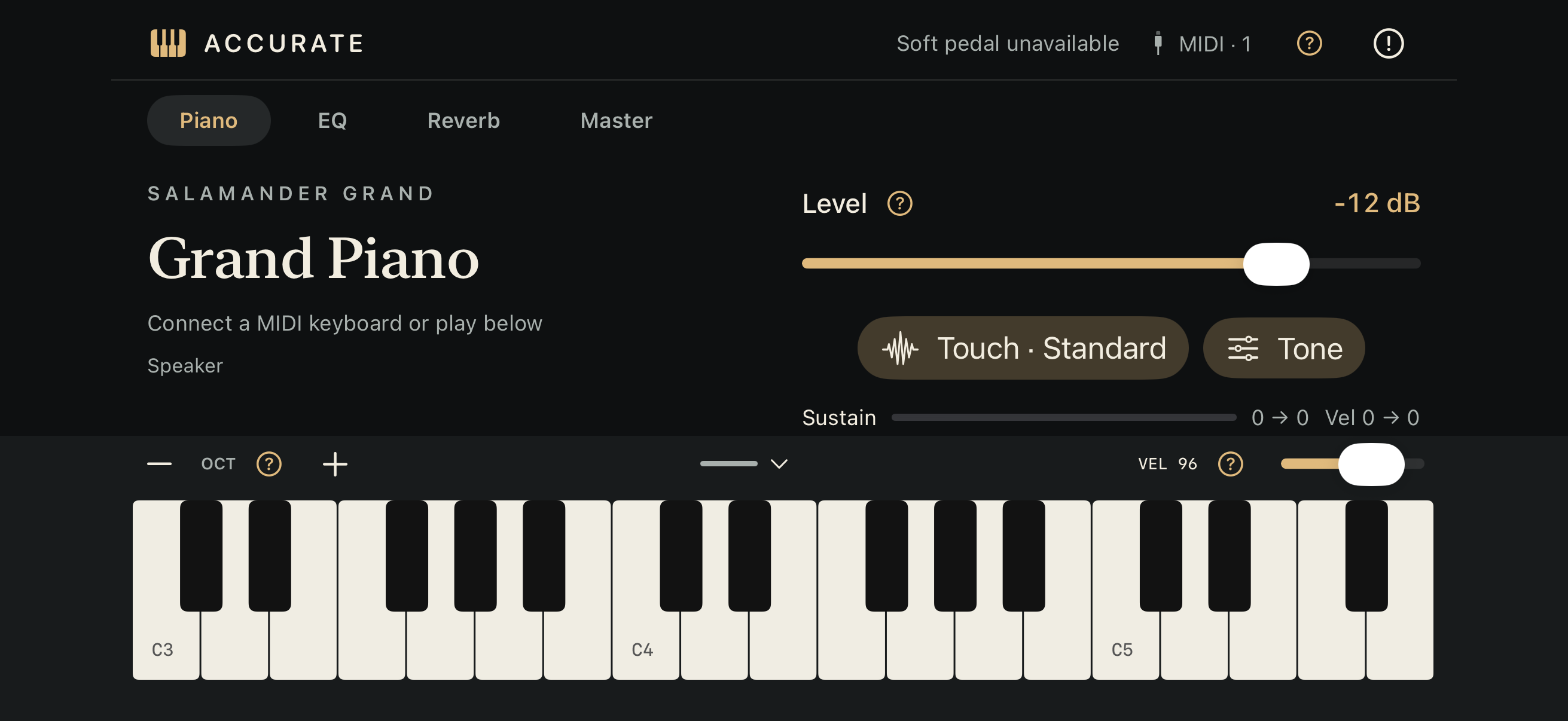
Accurate Piano is a sampled grand piano instrument for iPhone and iPad. It requires iOS / iPadOS 17 or later and is designed for landscape use.
Getting started
Open the app and wait for the piano to load, then tap the keyboard at the bottom of the screen. If the keyboard is hidden, use the piano-keys button at the bottom to show it. For an external MIDI keyboard, connect it first, then select its input and channel from the MIDI menu in the header.
If you hear no sound
- Check the volume on your device and audio output, and the app's Level control.
- Try the onscreen keyboard. If that works, check the selected MIDI input and channel.
- Tap Resume if it appears after an audio interruption.
- For USB equipment, check the cable, adapter and power supply.
Sound and touch
Open Touch to adjust velocity and pedal response. Open Tone for resonance, release and mechanical sounds. EQ, Reverb and Master provide tone, space and output controls. Tap the question-mark buttons for parameter help.
Common questions
Do I need an external keyboard? No. You can play with the onscreen keyboard. External MIDI keyboards and pedals are sold separately.
Does playing require an internet connection? No. The samples are included, so you can play offline after installation. Opening external source or license links requires a connection.
Why does the header say "Soft pedal unavailable"? This version includes the base Accurate piano. Alternate soft-pedal samples are not included. Normal piano playback and sustain-pedal use remain available.
Which languages are supported? Performance controls are in English. Parameter help and About are available in English, Japanese, German, French, Spanish, Simplified Chinese and Korean.
Contact
Email: hakaruapps-contact@hakaru.net
When reporting a problem, include your device model, OS version, app version, connected equipment and steps to reproduce it. Do not send passwords or payment information.